GPT Image 2.5 is here: create images with transparent backgrounds

AI face swap

Swap in a new face and keep the hair, clothes and background as they are
How to swap a face in a photo with AI

1

Add the photo

Choose the photo to change; its hair, clothes and background stay as they are

2

Add the face

A clear, front-facing photo of one person works best, and there's no prompt to write

3

Preview and download

Results usually take about 20 seconds and are saved to My creations; zoom in and download when you're happy
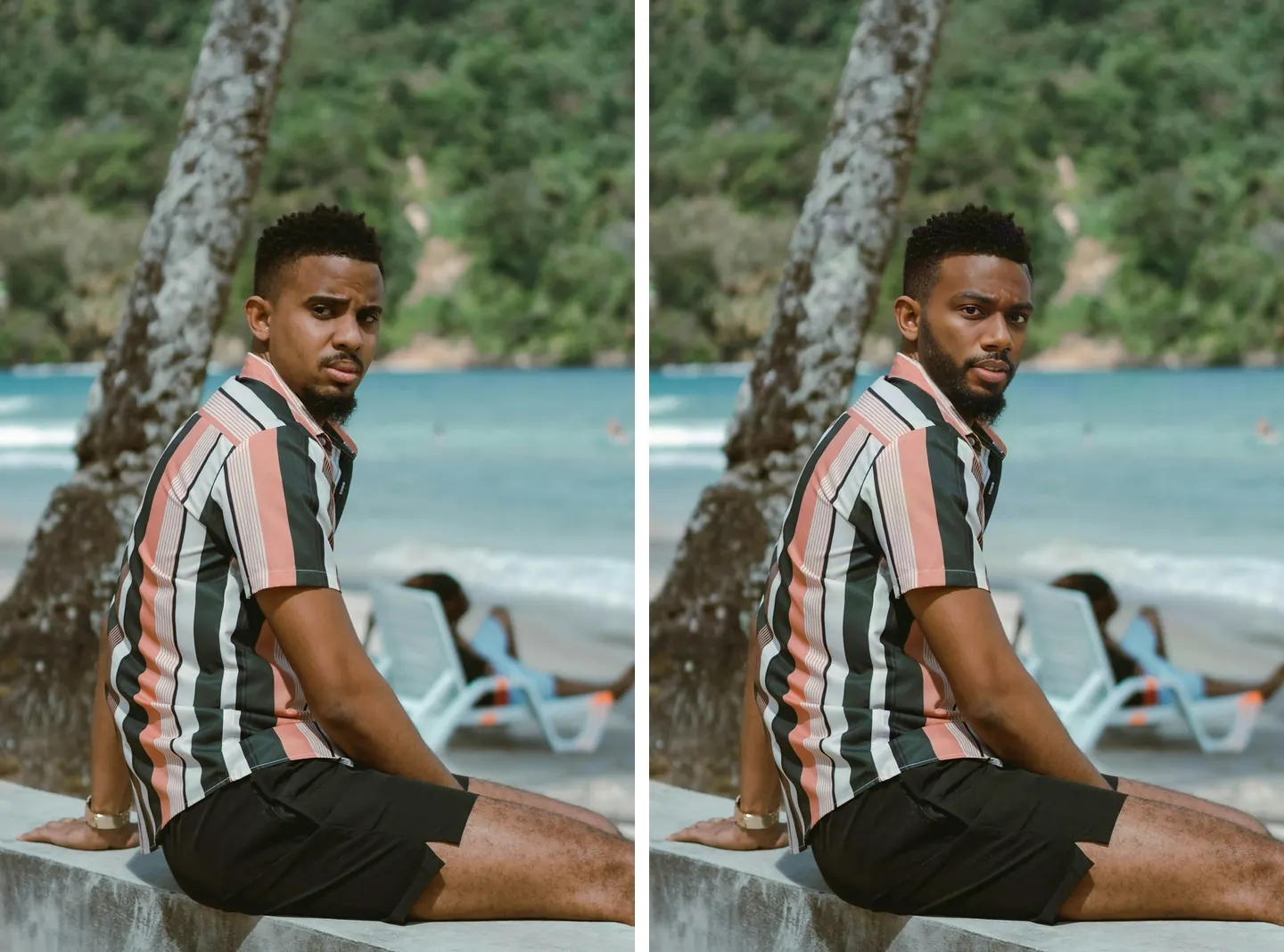
A beach portrait before and after a face swap

Only the face changes

The stripes on the shirt, the sea and trees behind him and the watch on his wrist all match the original. Only the face is different, and the beard and hairline count as part of it, so they change with the new face.
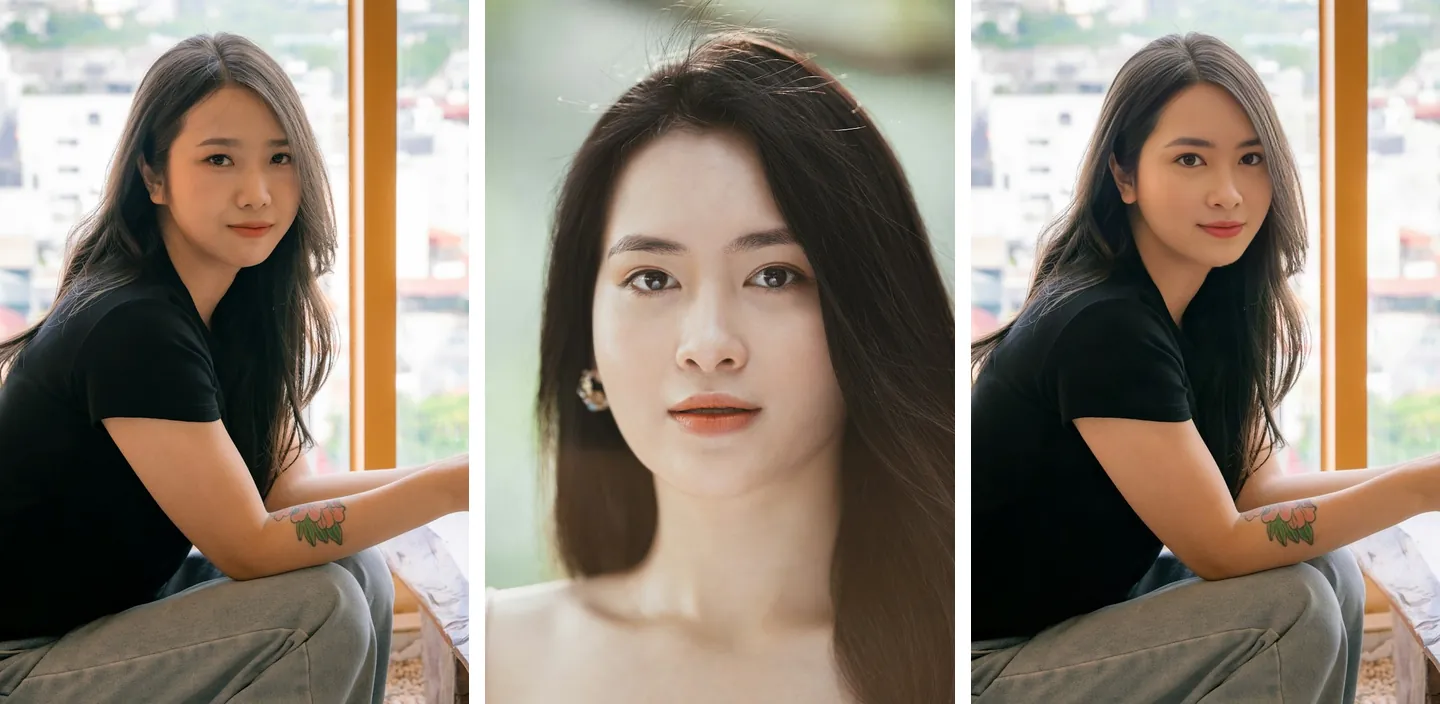
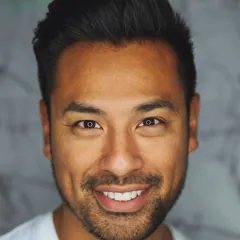
The original photo, the face photo and the face swap result side by side

Two images, two slots, no prompt

On the left is the photo to change, in the middle the face to use, and on the right the result. Which image is which is decided by where you upload it, so there's no need to spell out “put the face from image 1 onto image 2.”
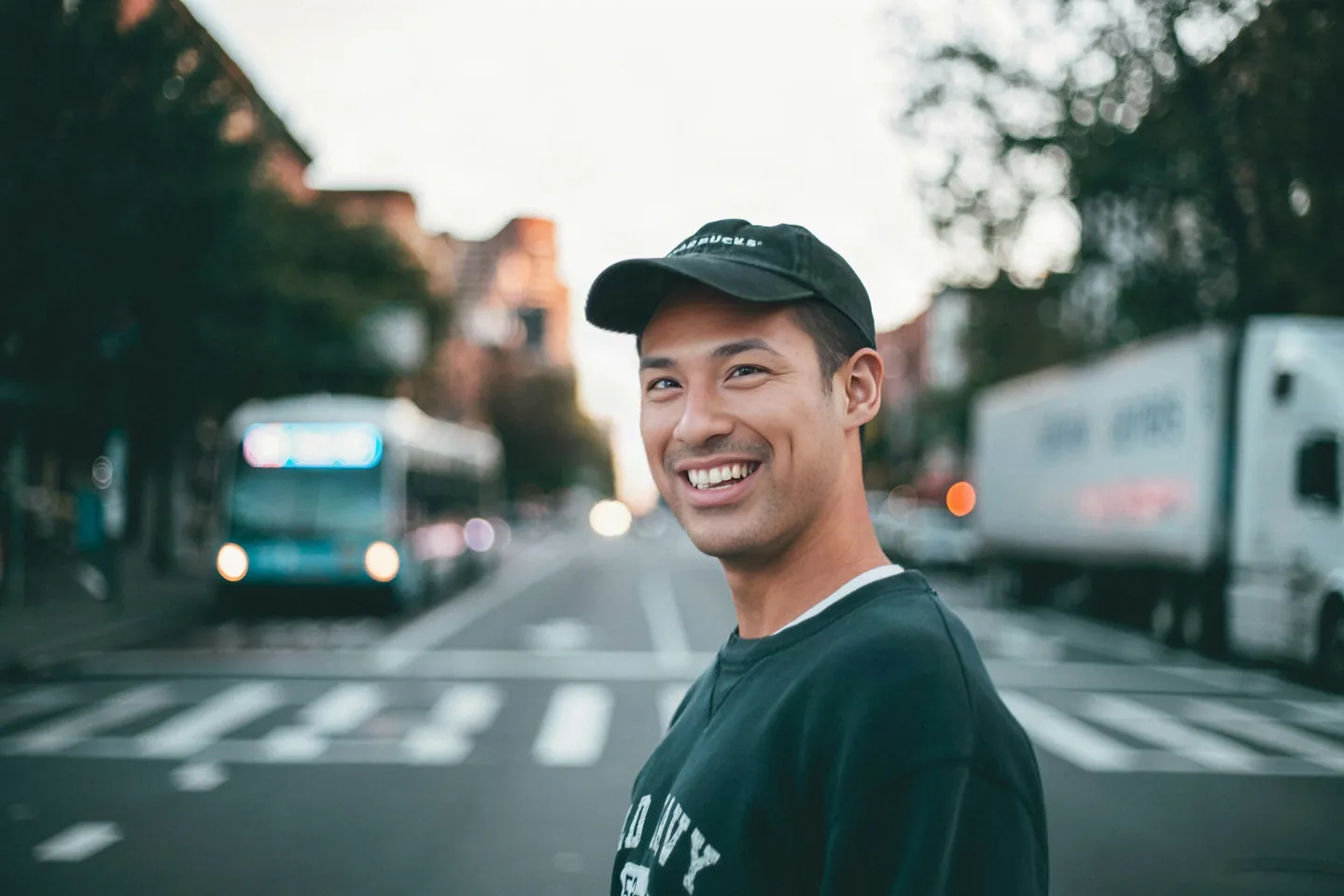
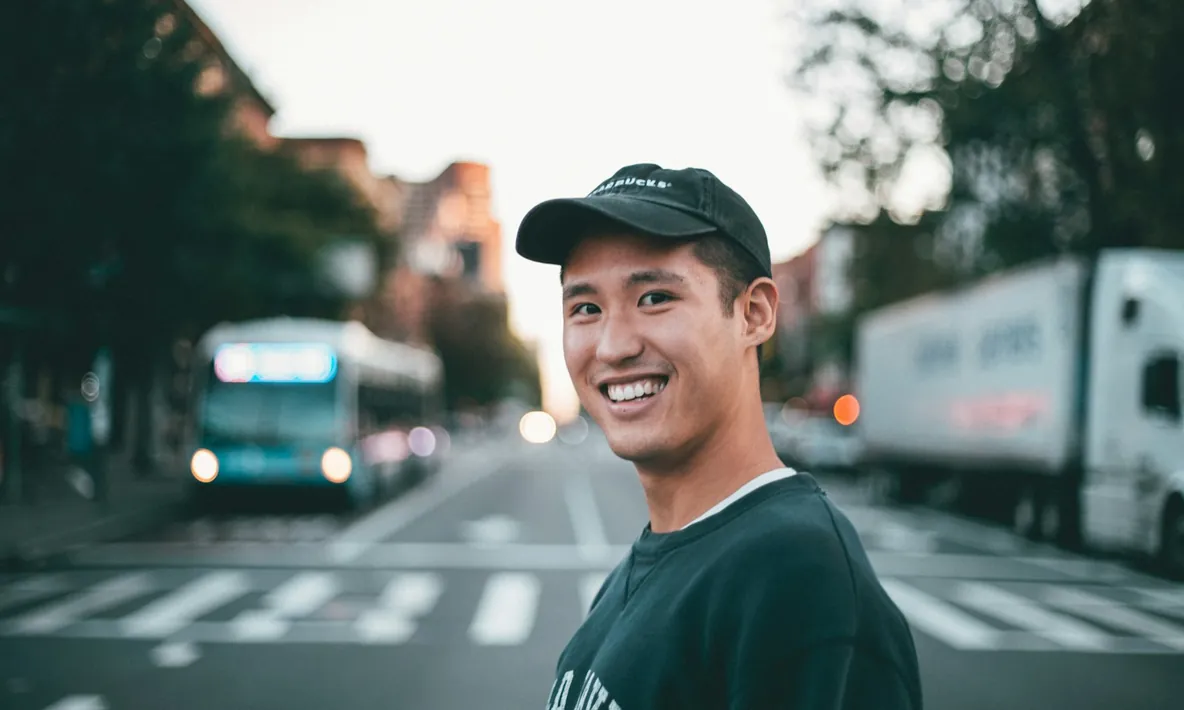
A 3000×2000 street photo after a face swap, at full size

The result is as big as the original

Results come out at the original size. This 3000×2000 street photo is still 3000×2000 after the swap, so there's no need to shrink photos from your phone first.

What would you like to do next?

Frequently asked questions

No. Only the face is replaced. Hair, clothes, background and lighting stay as they were in the original and nothing else is redrawn. The beard and hairline count as part of the face, so they change with the new face.

A clear, evenly lit, front-facing photo of one person, with no sunglasses or mask. Side profiles, faces looking down or faces that are small in the frame often come out less convincing.

Both images need a clearly visible face. The message tells you whether the original or the face photo is the problem. Try again with a clearer photo, and the credits for that attempt are refunded in full.

You can't choose which person to swap yet. Crop the group photo down to the person you want to change, then upload that as the photo.

Choose “Face + new look” and describe in one sentence what else to change, for example “long curly hair and a red dress.” It restyles the photo first, then puts the face from the second photo back on, so the face stays the one you chose. This option is slower and costs more than a face swap alone.