GPT Image 2.5 is here: create images with transparent backgrounds

AI image translator

Translate image text into your chosen language, preserve the original layout, and download the result
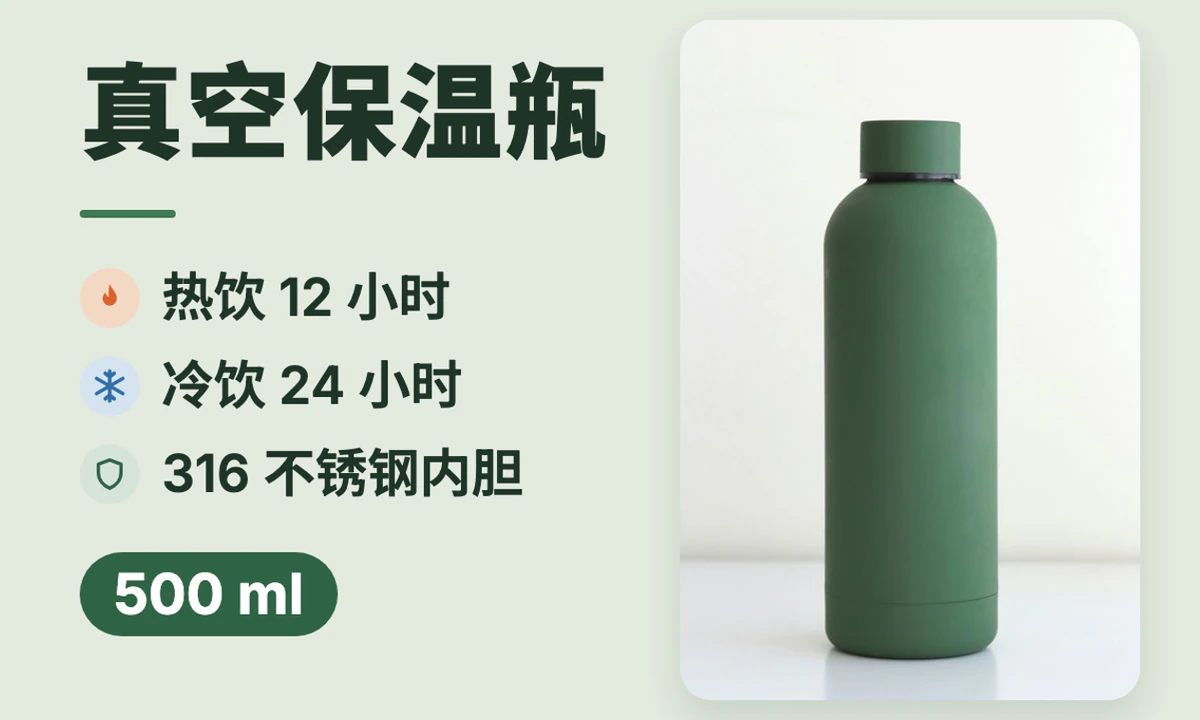
How to translate text in an image

1

Upload a product image, poster, or screenshot

Choose an image with clearly readable text and sufficient resolution.

2

Choose the source and target languages

The source language can be detected automatically. Check the target language, estimated dimensions, and credit cost before translating.

3

Review the translation and download

Check product names, numbers, units, and layout before downloading the translated image.

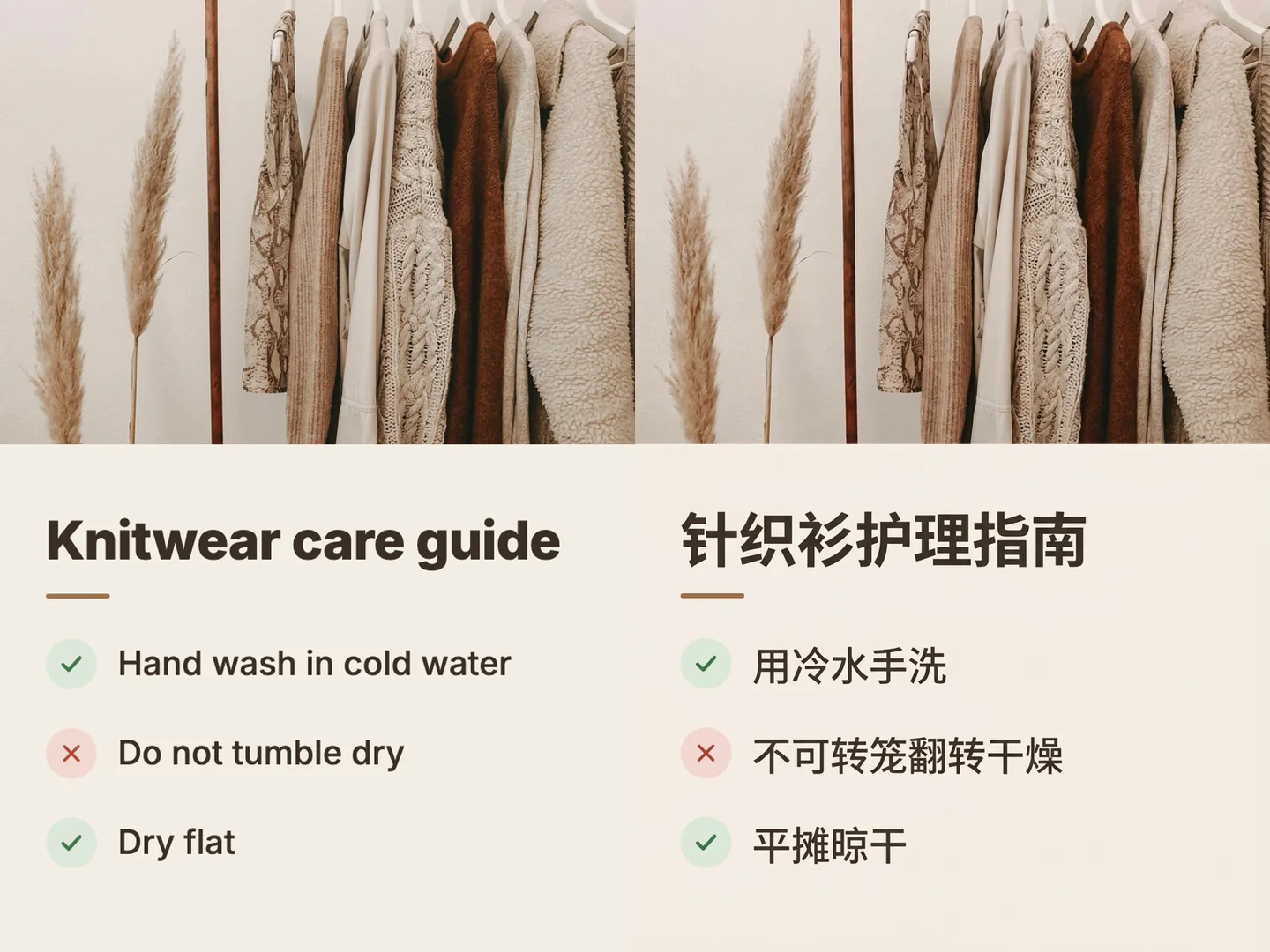
Before and after text translation in an image of books and a landscape

Keep the original layout

Translate and replace image text while referencing its original placement. Fonts, spacing, and output dimensions may change, so review dense text carefully.

An English slogan on a computer screen replaced with Chinese text

Put the translation back into the image

Upload a saved screenshot or poster in another language and choose a target language such as English. Download the translated image; live camera translation is not available.

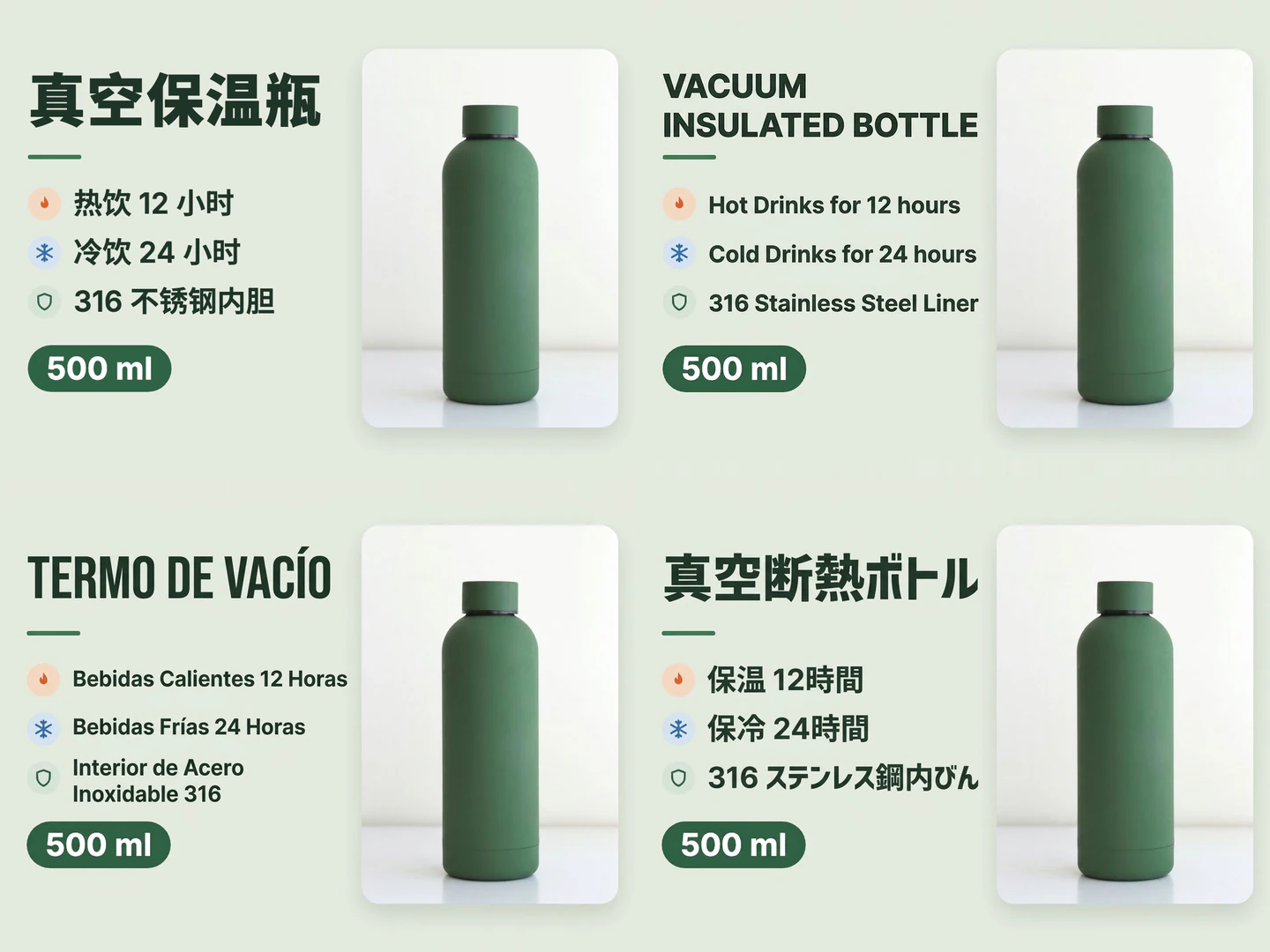
Camera instructions translated from Japanese into English

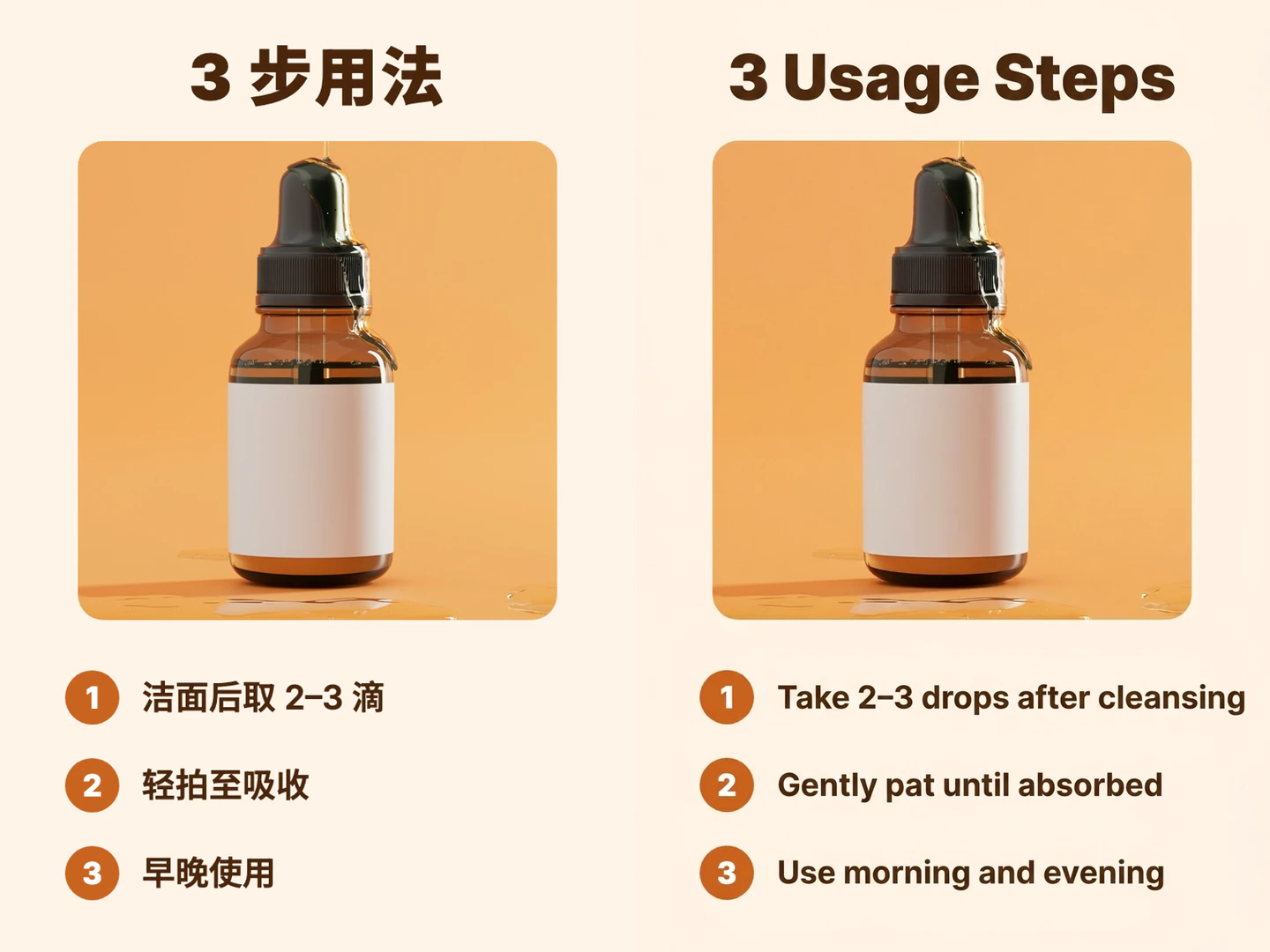
Prepare product information in other languages

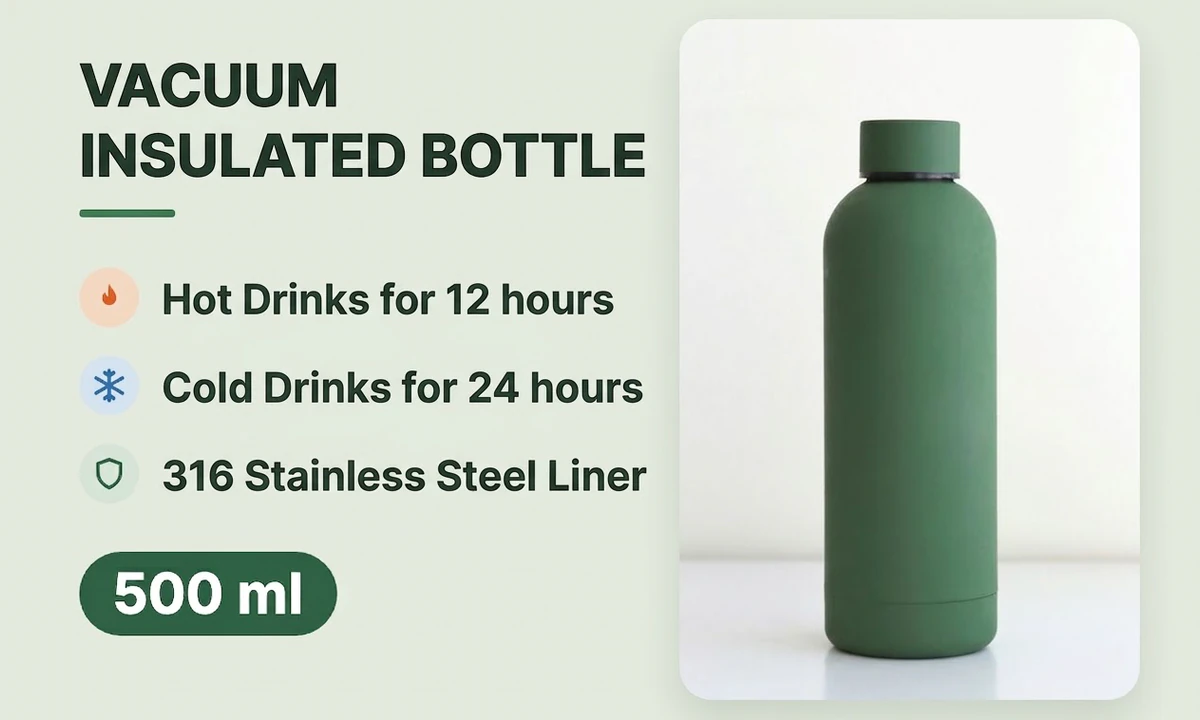
Translate product features, labels, and instructions without rebuilding the entire image. Check prices, specifications, and brand names before using the result.

What would you like to do next?

Frequently asked questions

It returns a downloadable image with translated text. Editable text layers, Word export and PDF export are not currently available.

Yes. Choose English as the target language, or select another language from the list. The source language can be detected automatically.

The tool aims to retain the layout and plans the output from the source image, but the model may change fonts, layout and dimensions. You can see estimated dimensions before submitting; the result’s file details show the actual dimensions.

Yes. Upload one product image with clearly readable text. Very long images, dense text and complex layouts are easier to check when prepared as clear individual images.

The tool currently processes one image and returns one translated image per submission. Batch translation and PDF translation are not available.

The cost is based on the source image and the output size tier planned for the model. The credit cost is shown before you start translation.